





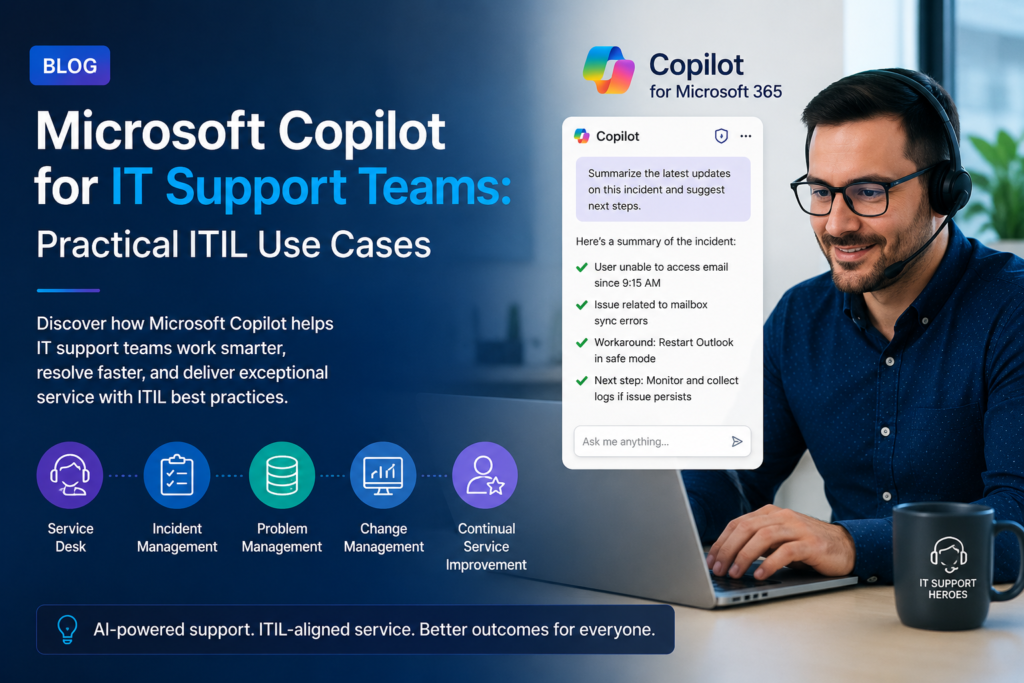
Microsoft Copilot for IT support teams is moving from a novelty to a genuine productivity tool inside service desks running ITIL 4 practices. Rather than replacing IT support staff, Copilot is being used to speed up ticket triage, draft knowledge articles, summarise long incident threads, and surface relevant historical fixes in seconds. For Australian IT teams already following ITIL 4, the question is no longer whether to use Copilot, but which ITIL practices benefit most from it.
This guide walks through practical, real-world ITIL use cases for Microsoft Copilot, mapped directly to the ITIL 4 practice areas IT support teams already work within every day.
What Microsoft Copilot Actually Does for a Service Desk
Microsoft Copilot is a generative AI assistant embedded across Microsoft 365 (Word, Excel, Outlook, Teams) and, increasingly, directly inside service management tools connected to the Microsoft ecosystem. For an IT support team, Copilot’s practical value sits in three areas: summarising large volumes of text quickly, drafting structured documentation, and surfacing relevant information from existing tickets, emails, and knowledge bases. None of this replaces the ITIL framework itself it accelerates the practices that framework already defines.
ITIL Use Cases for Microsoft Copilot
The table below maps Microsoft Copilot’s most practical, currently available capabilities to the ITIL 4 practices IT support teams manage day to day:
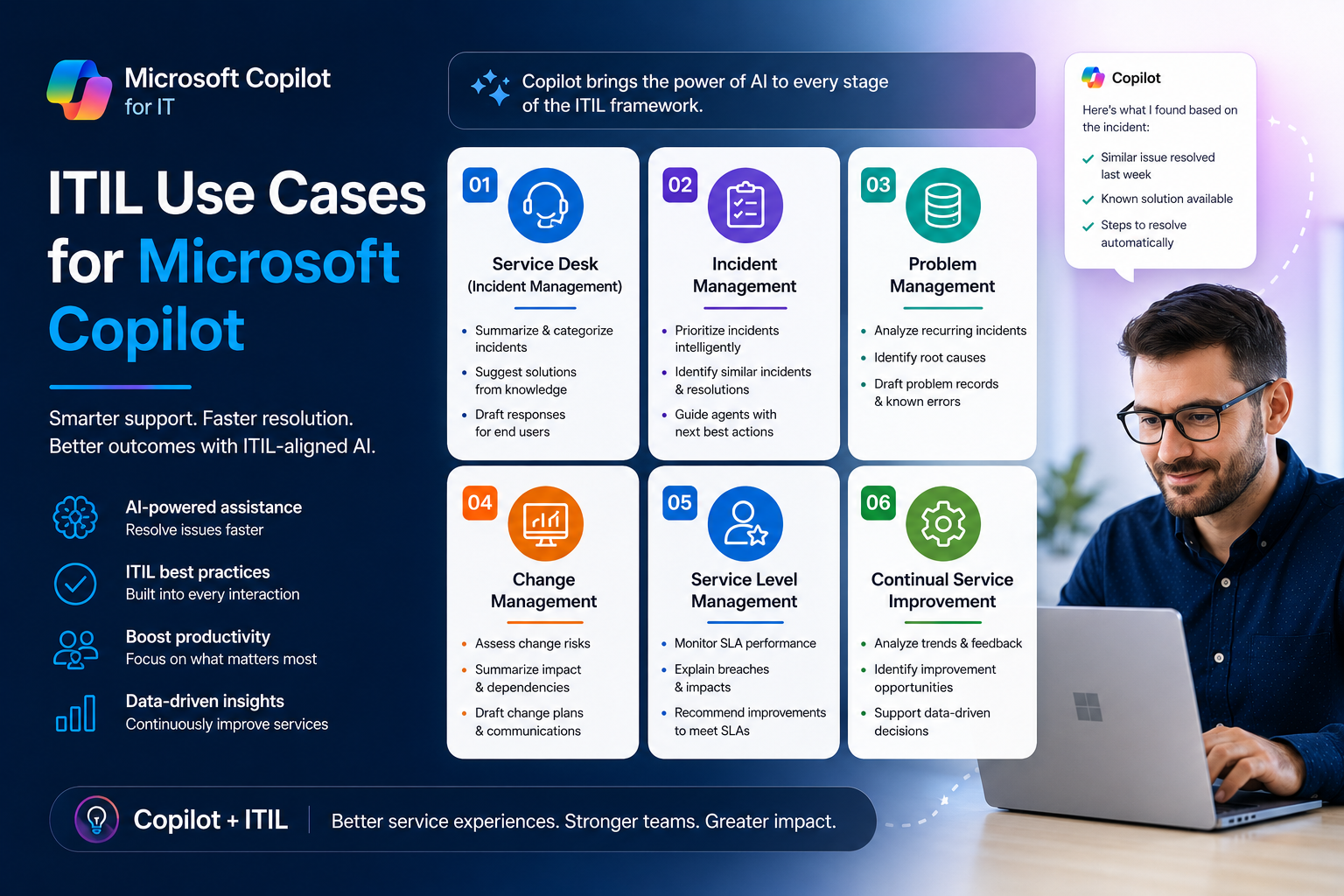
| ITIL 4 Practice | Practical Copilot Use Case |
| Incident Management | Summarising a long incident thread into a concise timeline for handover between shifts |
| Problem Management | Drafting a first-pass root cause analysis structure from linked incident tickets |
| Service Request Management | Auto-drafting response templates for common request types (access, software, hardware) |
| Knowledge Management | Converting resolved ticket notes into a structured, searchable knowledge article |
| Service Desk | Drafting first-response replies to end users in plain, non-technical language |
| Change Enablement | Summarising a change request’s risk and impact from linked documentation |
| Continual Improvement | Analysing recurring ticket themes to suggest candidate improvement initiatives |
Copilot and the Service Desk: A Closer Look
1. Incident Management
First-line analysts spend a significant portion of their day reading through prior communication before they can act. Copilot in Outlook and Teams can summarise a lengthy email or chat thread into three or four bullet points, letting analysts get to the actual fix faster rather than re-reading history on every handover.
2. Knowledge Management
ITIL 4 treats knowledge management as a continuous practice, not a one-off documentation project. Copilot can take rough resolution notes typed by a technician mid-incident and reformat them into a properly structured knowledge article title, symptoms, cause, resolution steps dramatically lowering the effort barrier that normally stops knowledge articles from being written at all. This directly supports the goals covered in ITIL 4 Practices Explained, where knowledge management is identified as one of the ten highest-impact ITIL 4 practices for modern IT teams.
3. Problem Management
When multiple incidents share a common root cause, Copilot can help draft the initial structure of a problem record by summarising the linked incidents and identifying repeated symptoms — giving the Problem Manager a starting point rather than a blank page. This complements the process differences explained in our guide on ITIL Incident Management vs Problem Management.
4. Change Enablement
Change Advisory Board packs often require summarising a change’s purpose, risk, and rollback plan from scattered documentation. Copilot can draft this summary from linked Word/Teams content, reducing the change owner’s prep time before a CAB meeting.
Governance and Risk: What ITIL Teams Should Watch
- Copilot-drafted knowledge articles and RCAs still need human review before publishing — treat AI output as a first draft, not a final record
- Sensitive data handled in tickets (customer PII, credentials) requires the same data governance controls applied to any Microsoft 365 Copilot rollout
- Access permissions matter: Copilot only summarises content the requesting user already has permission to see, so tenant permissions hygiene becomes more important, not less
- Change and problem records still require sign-off from accountable roles Copilot supports drafting, not decision-making
Organisations running a broader Copilot deployment alongside their ITIL practices should also review the change management side of that rollout see our related guide on Microsoft Copilot adoption change management strategies for the people-side framework that sits alongside these technical use cases.
Measurable Benefits IT Support Teams Are Reporting
- Reduced average handle time on tickets requiring long thread review
- More knowledge articles published per month once the drafting effort is lowered
- Faster CAB pack preparation for standard and normal changes
- Improved first-response quality for less experienced service desk analysts
Microsoft Copilot and ITIL Adoption Across Australian Cities
IT support teams across Australia are combining ITIL 4 certification with Copilot pilots at different rates depending on industry concentration:
| City | Adoption Pattern |
| Sydney | Financial services IT teams piloting Copilot inside ITIL-governed service desks |
| Melbourne | Large enterprise and government IT teams testing Copilot for knowledge management |
| Brisbane | Growing mid-size IT teams using Copilot to speed up service request handling |
| Perth | Resources-sector IT support teams trialling Copilot for incident summarisation |
| Adelaide | Public sector IT teams running governance-first Copilot pilots |
| Canberra | Federal agencies combining ITIL 4 practices with strict Copilot data-handling policy |
Building ITIL Skills Before Introducing AI Tools
Microsoft Copilot only adds value on top of well-run ITIL practices it cannot fix an undocumented, undefined incident or knowledge management process. Teams new to the framework should start with ITIL 4 Foundation certification before layering AI tools on top, so that Copilot is accelerating a defined process rather than papering over gaps in one.
For teams already ITIL 4 certified and looking at career or salary impact from adding AI-related skills, see our ITIL Salary Guide Australia 2026 and ITIL Certification Cost Australia guide. Logitrain delivers ITIL 4 Foundation and Managing Professional training across Australia view current dates on logitrain.com.au.
Frequently Asked Questions
Does Microsoft Copilot replace ITIL processes?
No. Copilot accelerates specific tasks within existing ITIL 4 practices drafting, summarising, and surfacing information but the underlying process design, ownership, and governance still follow the ITIL framework.
Which ITIL practice benefits most from Copilot today?
Knowledge management shows the clearest early gains, since Copilot’s drafting ability directly removes the biggest barrier to writing knowledge articles the time and effort of formatting resolution notes properly.
Do IT support staff need ITIL certification before using Copilot?
It isn’t mandatory, but ITIL-certified staff apply Copilot’s output inside a structured process rather than ad hoc, which is where most of the measurable benefit comes from.
Conclusion
Microsoft Copilot for IT support teams works best as an accelerant layered on top of mature ITIL 4 practices, not a replacement for them. Incident summarisation, knowledge article drafting, and change pack preparation are the highest-value, lowest-risk starting points for most Australian service desks.
Build the ITIL foundation your Copilot rollout needs explore ITIL 4 courses on itilcertification.com.au or view dates on logitrain.com.au.